
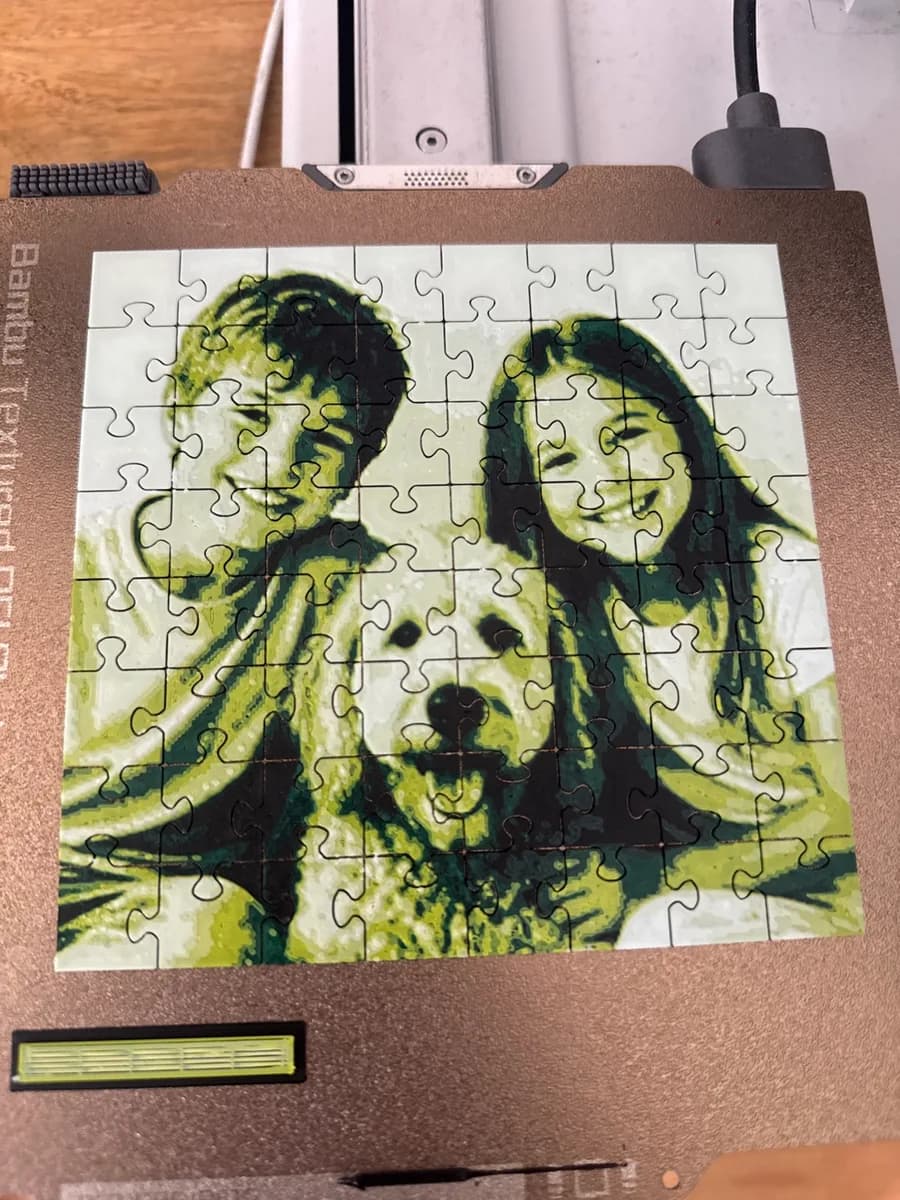
When a maker writes to us that the puzzle pieces “lift off the bed” or “curl at the corners”, the first thing they usually ask is which setting in the file to change. Almost always the answer is none. A puzzle is the hardest adhesion test a printer gets: up to 300 small islands, each with four corners, each cooling on its own. Any weakness in bed adhesion that a phone stand hides, a puzzle shows on the first layer.
The good news is that the cause is the same one in most cases, and it costs nothing to fix. Here are the fixes in the order we would try them.
1. Wash the plate (this fixes most reports)
Fingerprints, dust and old glue leave a film that PLA will not stick to. Wash the plate with warm water and dish soap, rinse thoroughly, dry it, and do not touch the print area afterwards. On a textured PEI plate a quick wipe with isopropyl alcohol right before the print is the fastest version of this. If the plate has been wiped with alcohol for months but never washed, wash it: alcohol spreads grease around rather than removing it.
2. Keep the printer out of drafts
Small pieces have almost no thermal mass. A window opened for a minute, an air-conditioning vent or a fan pointed at an open-frame printer cools the corners faster than the centre, and the corners curl. Close the window, move the printer, or print the first layers before you ventilate the room. An enclosure is not required for PLA, but a draft-free corner is.
3. Bed temperature and the first layers
For PLA keep the bed at 55 to 65 °C and leave the part-cooling fan off for the first two or three layers. The default Bambu profiles already do both, so if you have not touched them, skip this step. If you have tuned a profile for speed, check that the first-layer fan is still off.
4. Z offset and plate levelling
A first layer that is laid down too high looks like rounded, loose lines instead of slightly squashed ones, and the corners let go after a few layers. Run the plate levelling again (it only takes a minute on a Bambu) and, if the lines still look round, lower the Z offset in small steps. Puzzle pieces want a first layer that is pressed on, not floating.
5. Slow the first layer
If you print puzzles on a fast profile, drop the first-layer speed. Pieces are tiny, so the time cost is a couple of minutes, and a slower first layer bonds noticeably better on a textured plate.
6. Dry filament
Wet PLA mostly shows as stringing and a rough top, but a spool that has sat open all summer also bonds worse on the first layer. If you hear popping while printing, dry the spool before the next puzzle.
7. Glue stick, as a last resort
A thin layer of glue stick on a clean plate holds the stubborn corners, at the cost of a wash afterwards. We treat it as a diagnostic: if glue fixes it, the plate was not clean enough in step 1.
The one thing not to do: a brim
On a normal print a brim is the obvious fix for lifting corners. On a puzzle it is the one thing that breaks the print: the pieces sit 0.25 mm apart, so a brim fuses them into a single slab you then have to cut apart. Fix adhesion with the plate, the temperature and the first layer instead. The same goes for a raft: it hides a dirty plate for one print and leaves a rough underside on every piece.
If the pieces stick but the colours look wrong, that is a different problem: see why the model looks all black in Bambu Studio. And if everything else is right but one piece still curls, you do not have to reprint the puzzle: with Premium the generator prints a single piece on its own.